Why Choose a Touch Screen Monitor for Your Workspace Needs?
In today’s fast-paced work environment, efficiency is key. A Touch Screen Monitor can greatly enhance productivity. This innovative technology allows for seamless interaction with digital content, making tasks easier and quicker. Imagine using gestures to scroll through documents or zoom in on images with ease.
Choosing a Touch Screen Monitor means embracing a hands-on approach. Users can manipulate data directly on the screen, which is both intuitive and engaging. However, it’s important to consider the learning curve. Employees may need training to maximize functionality. Keep in mind that some may find traditional monitors more comfortable.
Investing in a Touch Screen Monitor could transform your workspace. The potential for increased collaboration is significant. Yet, the transition may require critical evaluation and adjustments to current workflows. Balancing technology with human interaction remains essential in creating an effective workspace.
Advantages of Touch Screen Monitors in Modern Workspaces
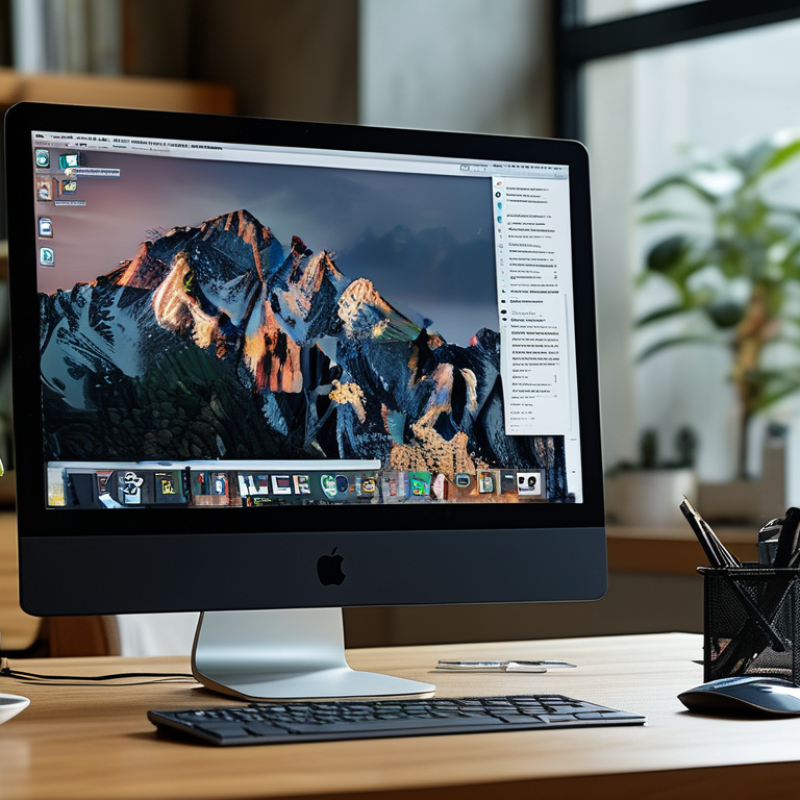
Touch screen monitors have become essential in modern workspaces. Their interactive features enhance user engagement and efficiency. A study by the International Data Corporation (IDC) found that organizations using touch screens experienced a 20% increase in productivity. This increase stems from smoother navigation and quicker access to applications and tools.
These monitors promote collaboration, making it easier for teams to brainstorm ideas and visualize concepts. With seamless integration into conference room setups, they eliminate the need for complex setups. Employees can simply walk up and begin sharing their screens or documents. In dynamic environments, this leads to faster decision-making processes, a must in today’s fast-paced business landscape.
Tip: When choosing a touch screen monitor, consider your workspace layout. Ensure the screen size suits your team’s needs. Larger screens are ideal for group settings, while smaller ones fit personal workstations. Keep in mind the need for regular cleanings, as fingerprints can accumulate and obscure visibility. Regular maintenance ensures reliability and ongoing performance.
Why Choose a Touch Screen Monitor for Your Workspace Needs? - Advantages of Touch Screen Monitors in Modern Workspaces
| Feature |
Description |
Benefits |
| User Interaction |
Allows direct touch input, making navigation intuitive. |
Enhances productivity and reduces the learning curve for new software. |
| Collaboration |
Multi-user capability enables simultaneous interaction. |
Facilitates team discussions and group projects efficiently. |
| Space Saving |
Combines monitor and input device functions into one. |
Reduces clutter and conserves desk space. |
| Versatility |
Supports various applications from presentations to graphic design. |
Enhances user experience across different tasks. |
| Accessibility |
Provides ease of use for individuals with disabilities. |
Ensures inclusivity and compliance with accessibility standards. |
| Enhanced Engagement |
Interactive displays capture user attention. |
Boosts motivation and enthusiasm during training or presentations. |
Key Features That Enhance Productivity in Touch Screen Monitors
Touch screen monitors have transformed modern workspaces. They offer unique features that significantly enhance productivity. One of the key aspects is the intuitive interface. This allows users to interact directly with the screen. Tasks become more fluid and engaging. Digital meetings benefit from this as well. Quick annotations on shared documents boost clarity and collaboration.
Another essential feature is multi-touch capability. It permits multiple users to work simultaneously. This is particularly useful for teams brainstorming or developing ideas together. But it can also lead to distractions if not managed well. Balancing collaborative use and focus is vital for effective outcomes.
Finally, the versatility of touch screens becomes apparent in design applications. Users can manipulate images and layouts with simple gestures. This facilitates creativity but may require a learning curve. Striking the right balance between ease of use and advanced functionalities is critical. Attention to detail will shape how effectively these tools are utilized.
Market Trends: Growth of Touch Screen Technology Adoption in Offices
The adoption of touch screen technology in offices is accelerating. More businesses recognize the benefits of interactive displays. Employees appreciate the intuitive nature of touch screens. They foster collaboration and engage users in a way that traditional monitors do not. This trend reflects a broader shift towards user-centric design in workspace technology.
Tips for choosing a touch screen monitor include considering size and resolution. A larger screen often enhances visibility and interaction. Ensure the resolution meets your needs for clarity. Also, think about the durability of the screen. Touch screens are often used frequently, so they should withstand daily use.
As the market grows, innovation in touch screen technology continues. Check industry reports and studies to stay informed. Knowing current trends helps you make better decisions. Remember, not all touch screens are created equal. Evaluate multiple options before making a choice.
Comparative Analysis: Touch Screen Monitors vs. Traditional Displays
Touch screen monitors have gained popularity in various workspaces. They provide an intuitive way to interact with technology. This interactivity can enhance productivity and collaboration among team members. In contrast, traditional displays often rely on keyboards and mice for navigation. This may slow down workflows, especially in creative environments.
A touch screen monitor allows for effortless multitasking. Users can easily swipe, tap, and scroll. This tactile experience can lead to quicker decision-making. However, touch screens might not be suitable for every task. They can become smudged and require regular cleaning. In high-precision tasks, traditional displays, paired with a mouse, may offer greater accuracy.
Cost is another factor to consider. Touch screens often come at a premium compared to traditional monitors. This could strain smaller budgets. Also, touch screen technology varies widely in quality. Potential buyers should evaluate their specific needs before making a decision. Balancing functionality and cost is essential for maximizing workspace efficiency.
User Experience: Enhanced Collaboration with Touch Screen Technology
Touch screen technology reshapes the work environment. It fosters a dynamic and collaborative atmosphere. With the touch of a finger, ideas flow instantly. Teams can brainstorm and share insights more effectively. This fluid interaction boosts productivity and creativity.
In meetings, touch screen monitors serve as interactive whiteboards. Everyone can contribute in real-time, breaking barriers of traditional communication. Visual aids enhance understanding, too. Participants can visualize data, drawing connections with ease. However, not all users adapt equally. Some may find the transition challenging.
The tactile experience of touch screens can also lead to distraction. People might engage with the device rather than the discussion. It's essential to strike a balance. Training sessions can help teams embrace this technology effectively. A thoughtful approach to implementation can maximize the benefits of touch screen monitors.