

High-Quality Touch Screen Monitors for PC - Trusted OEM Supplier & Factory Solutions
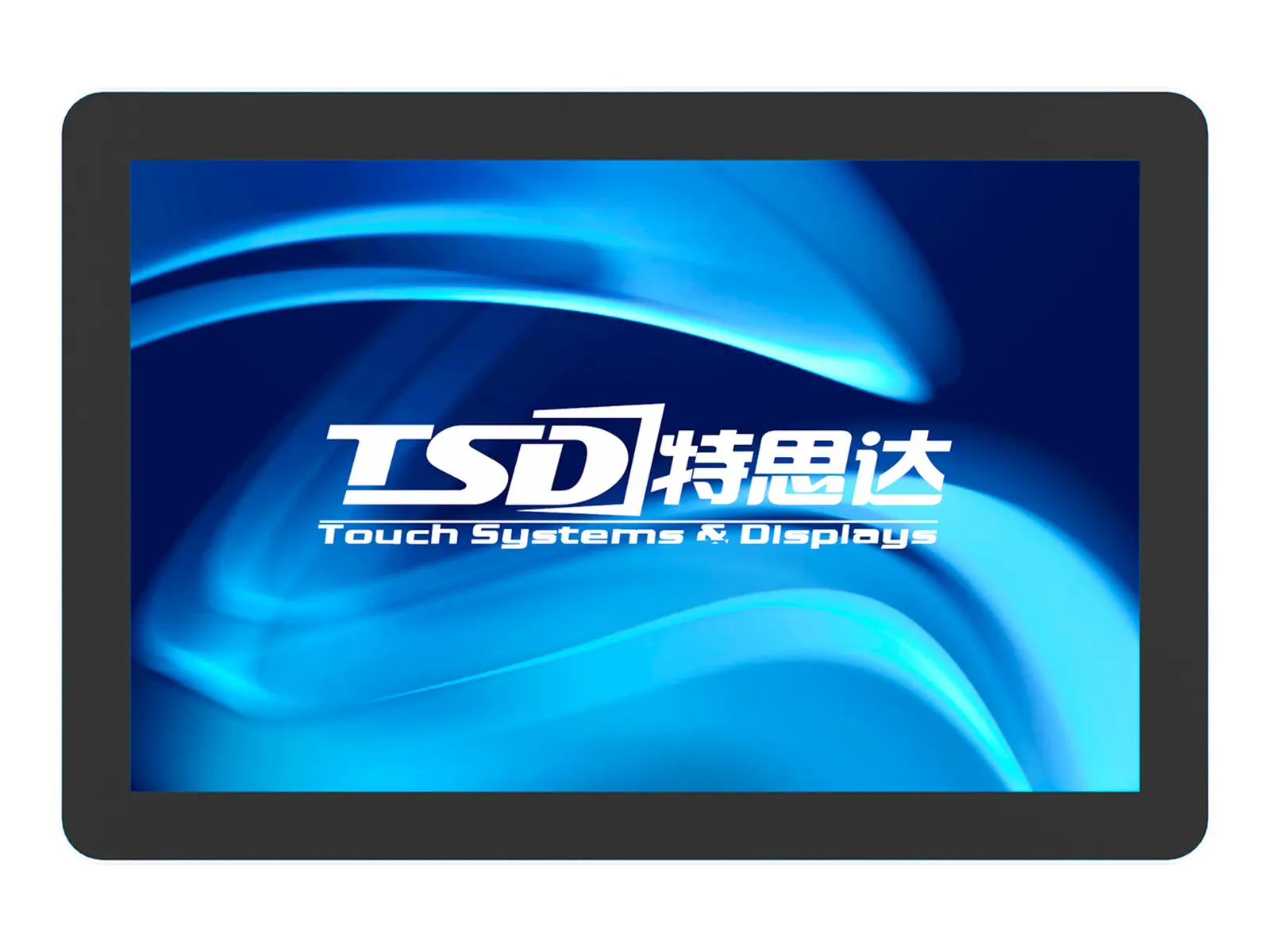
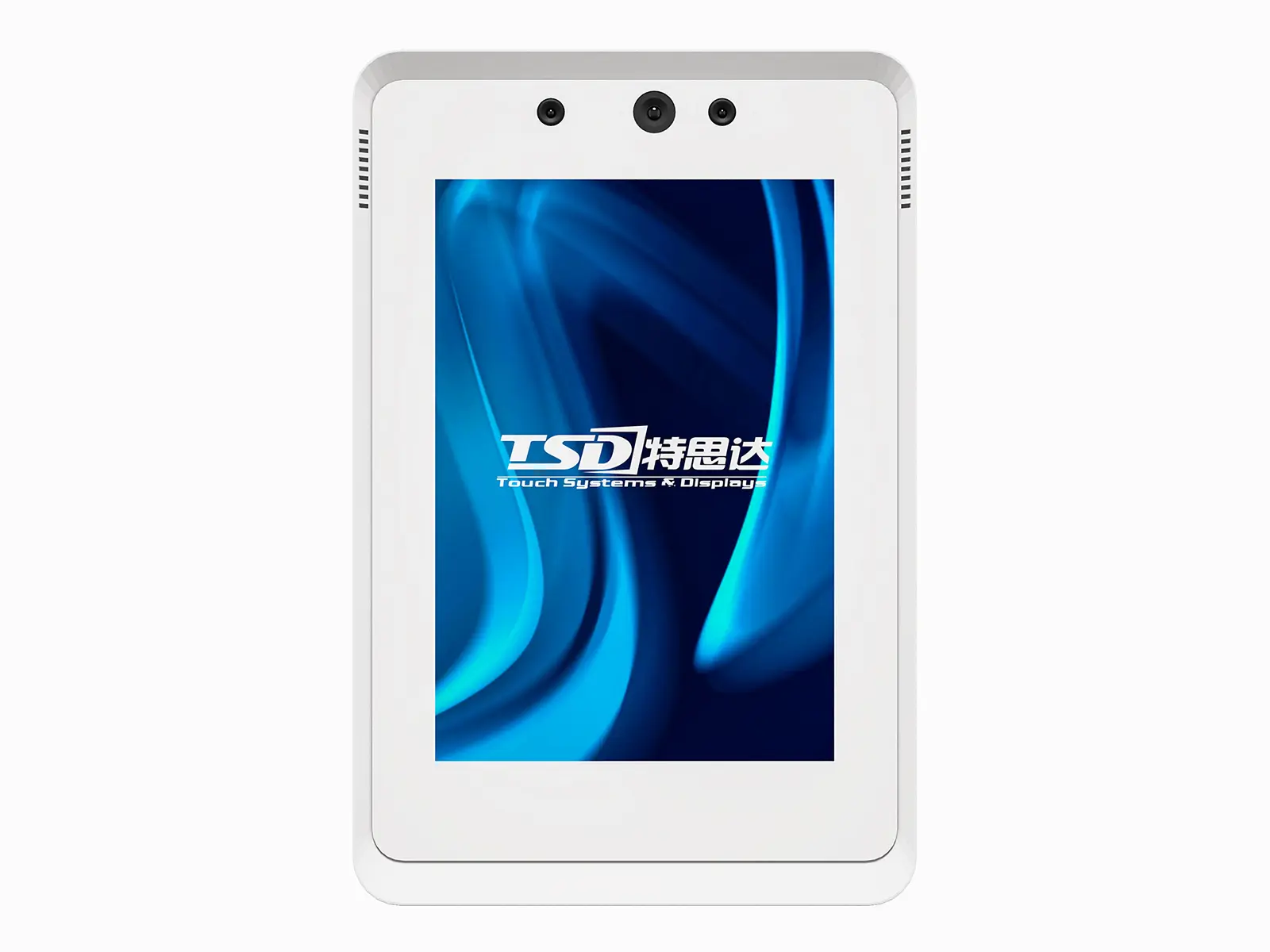
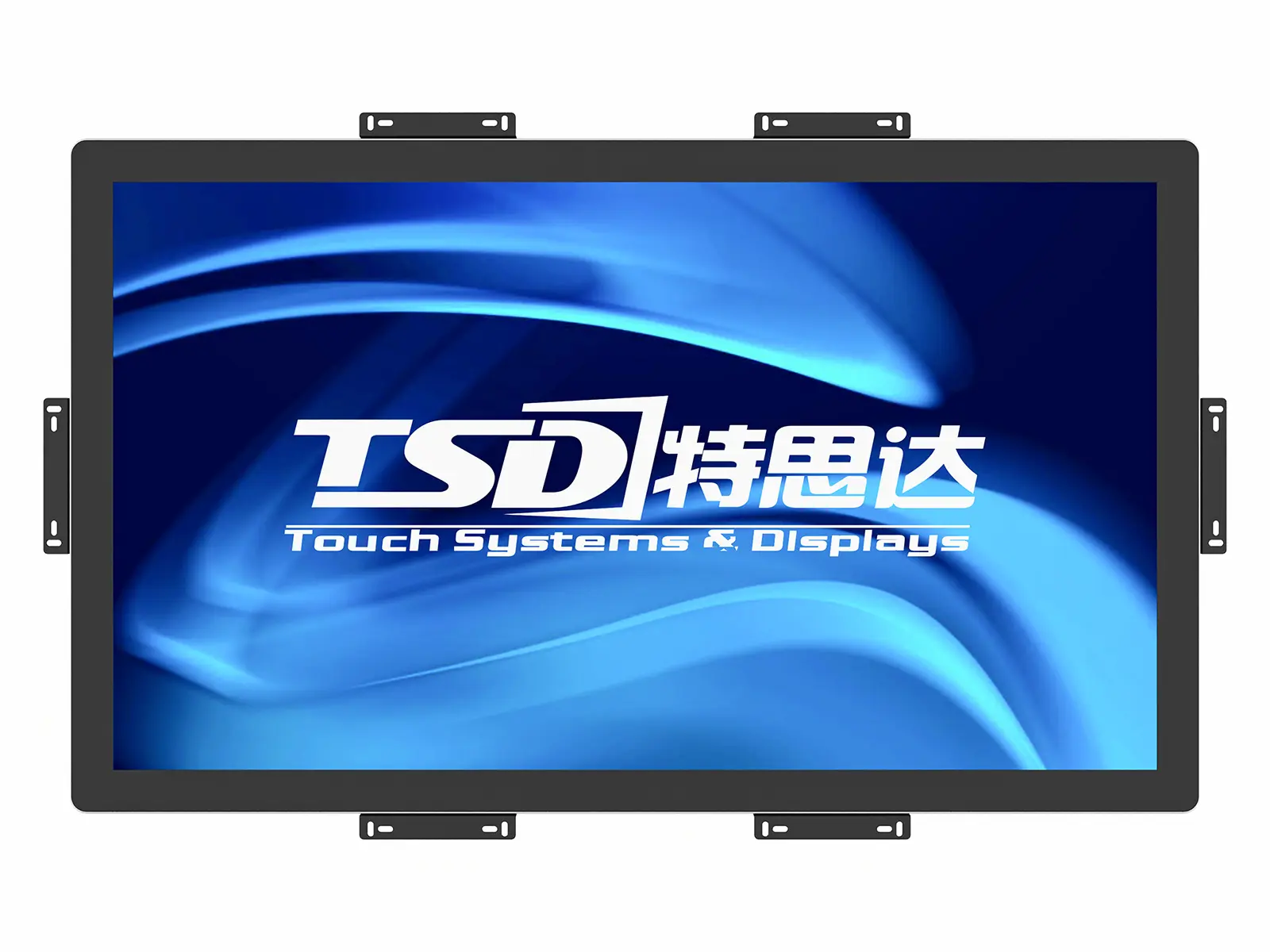
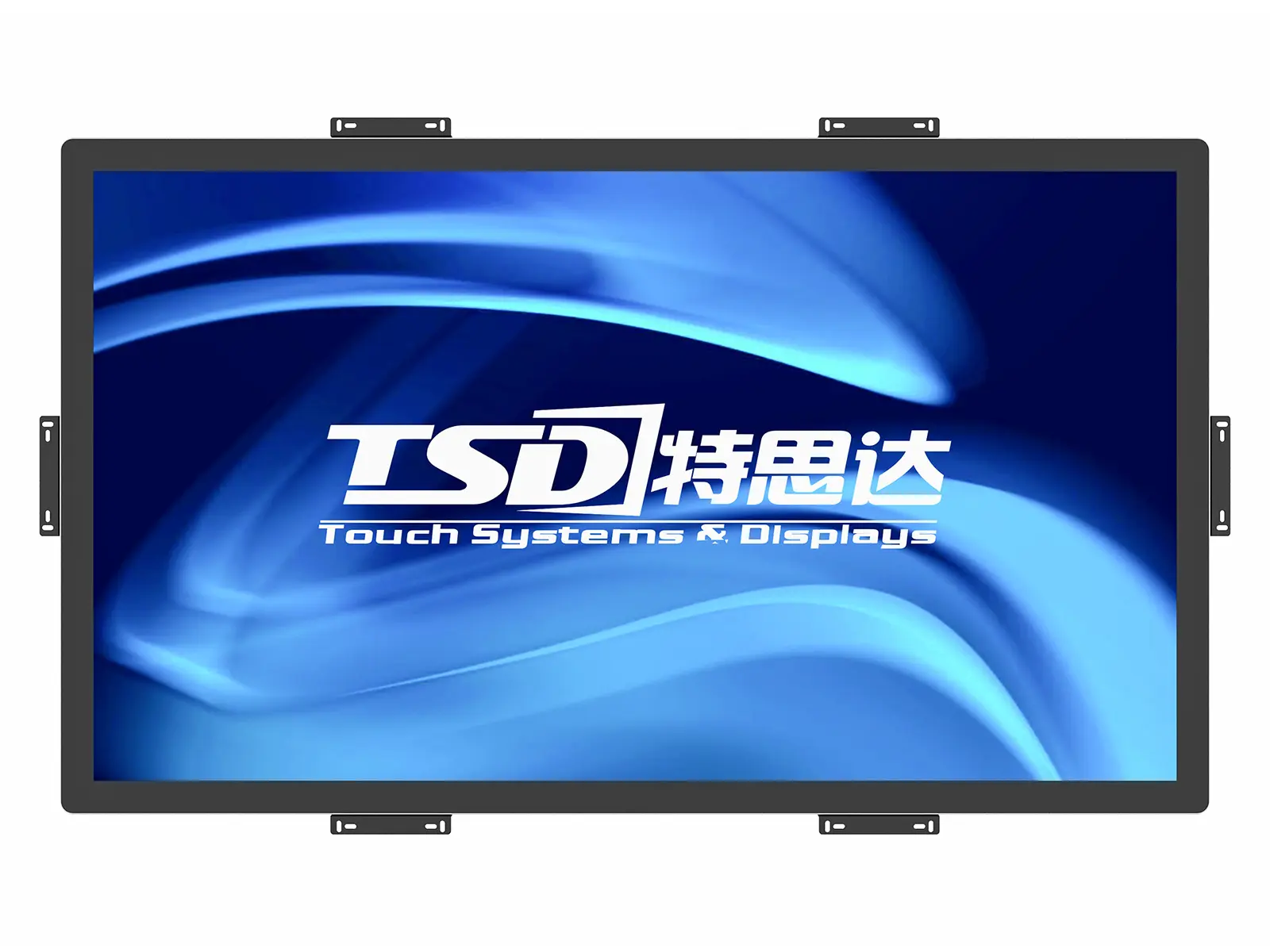
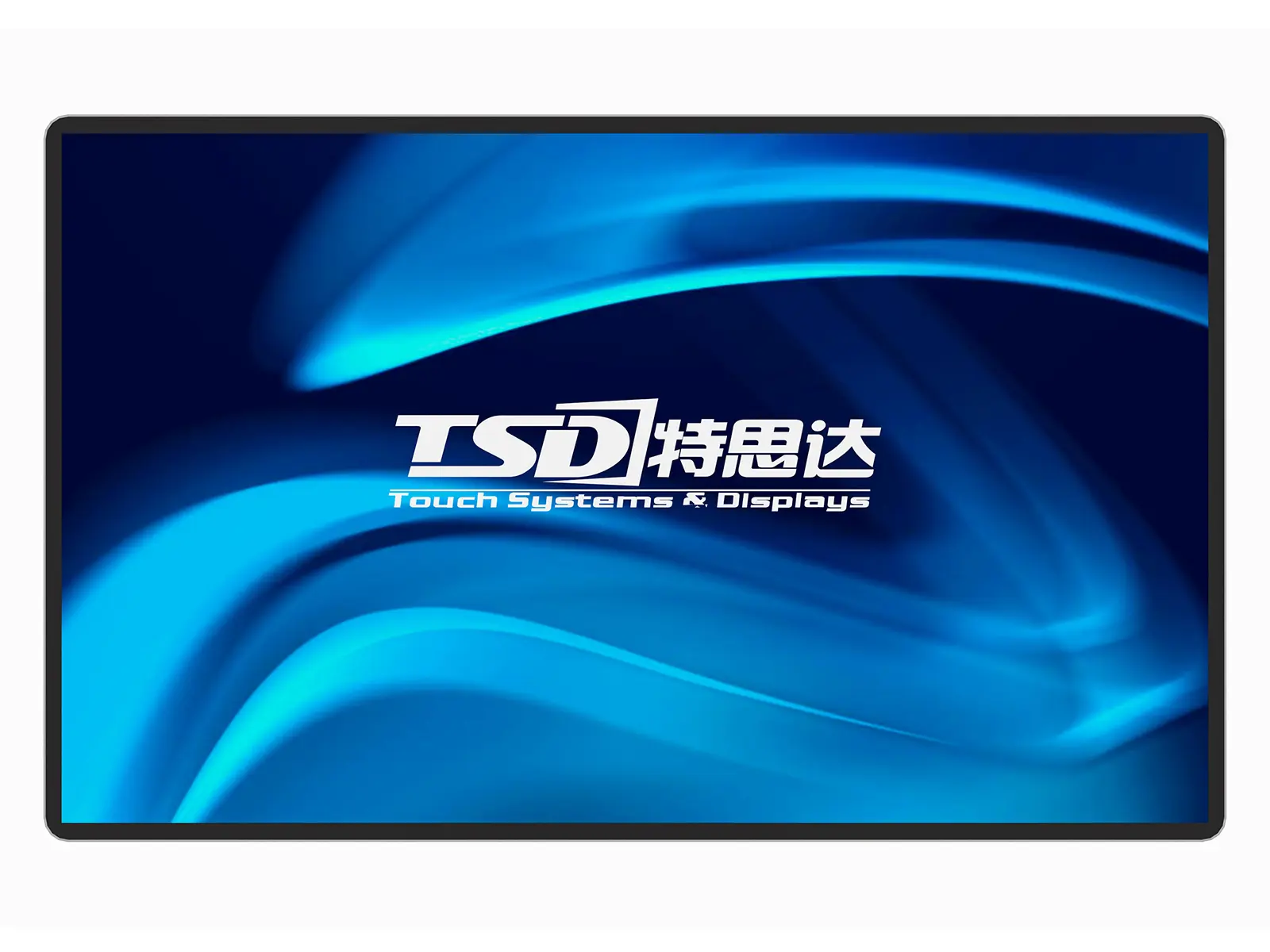
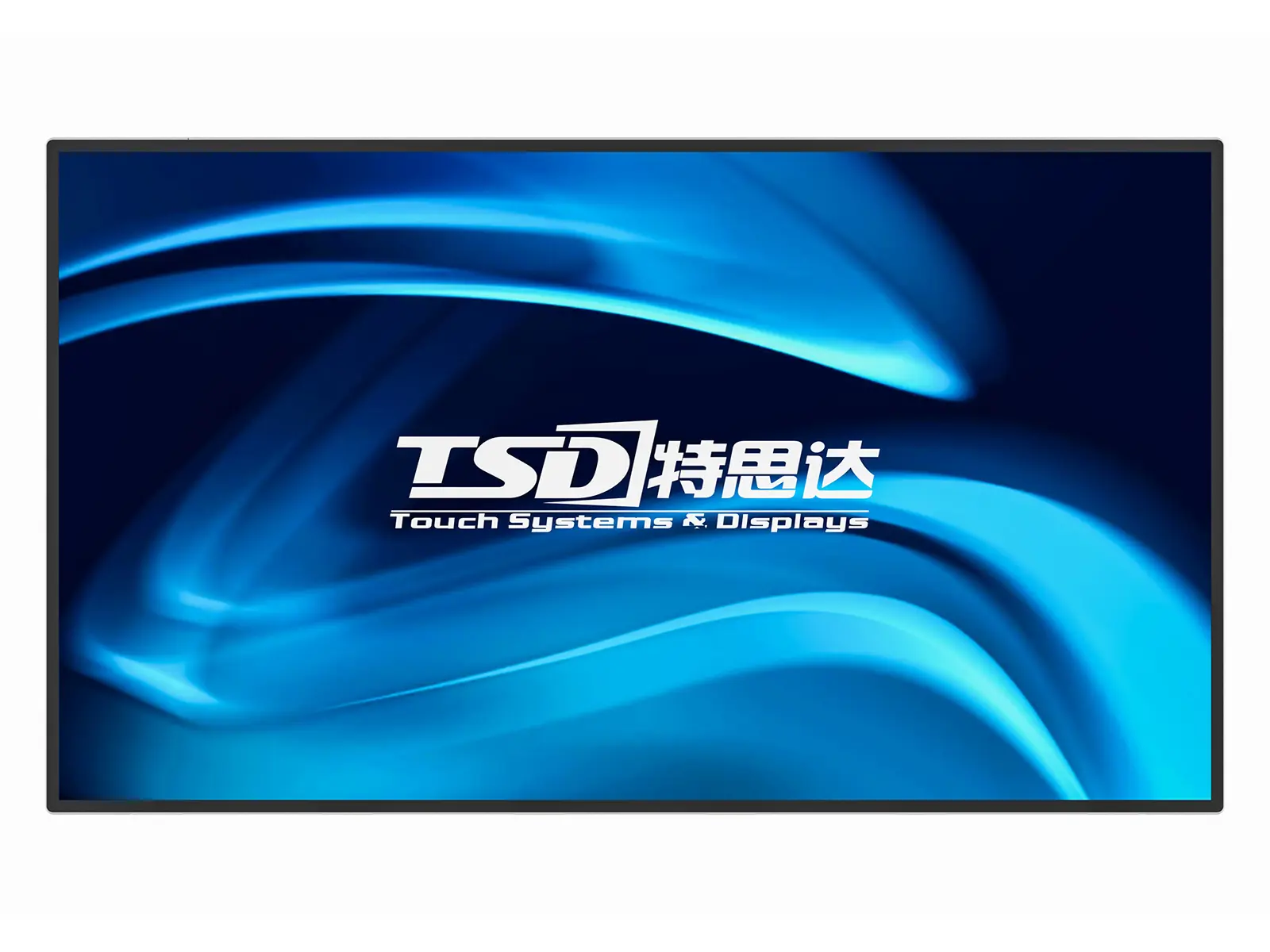
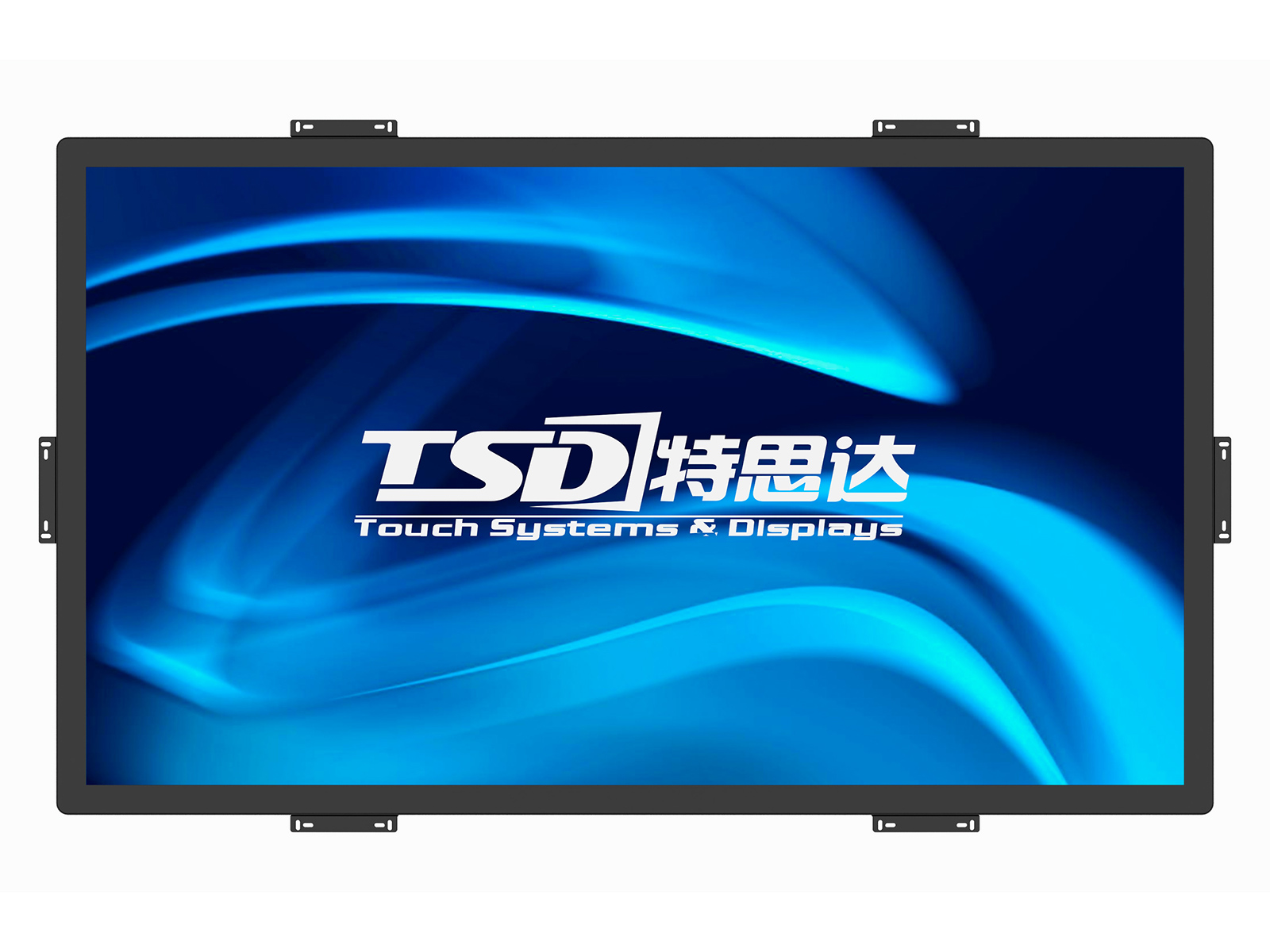
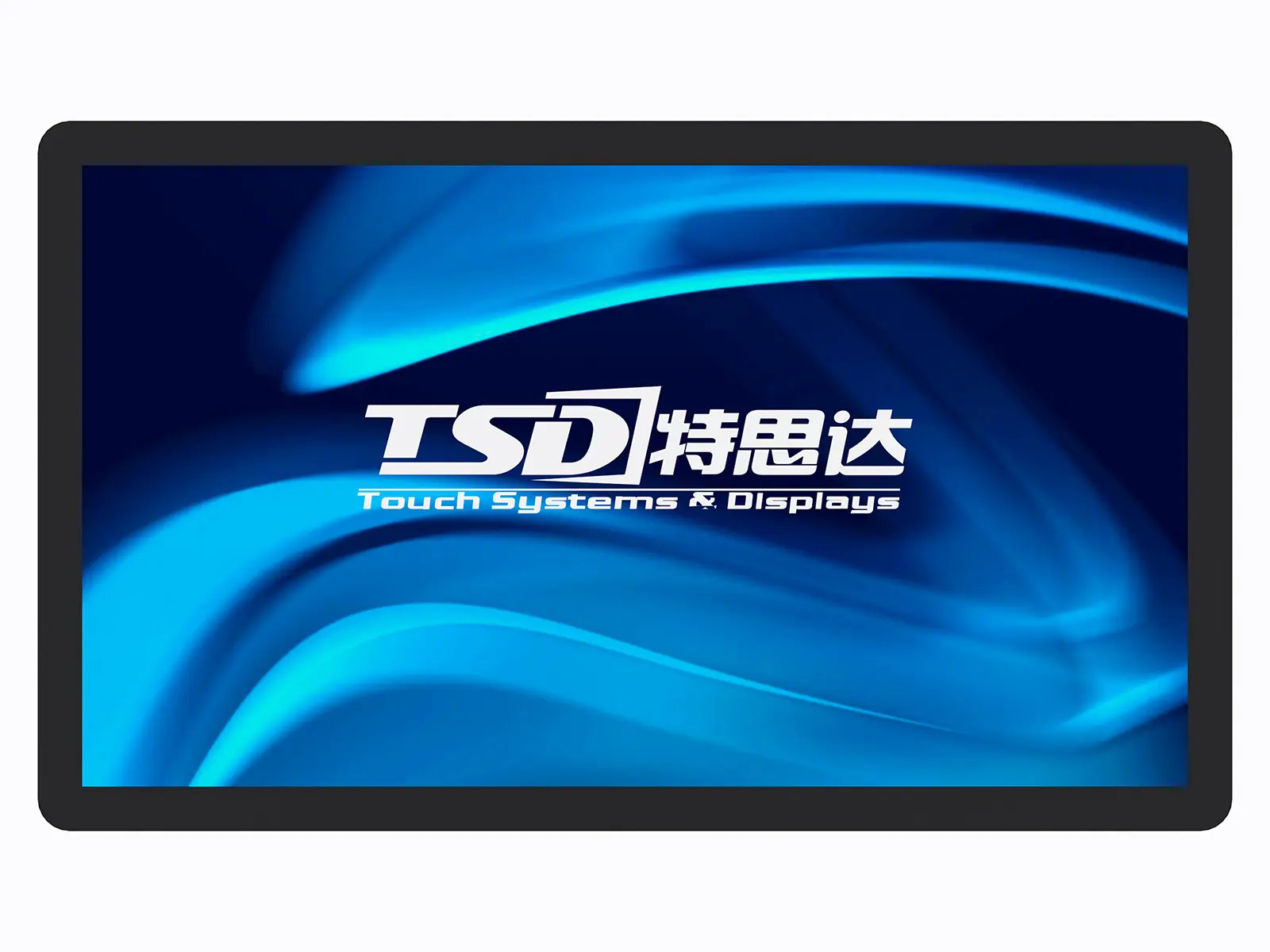
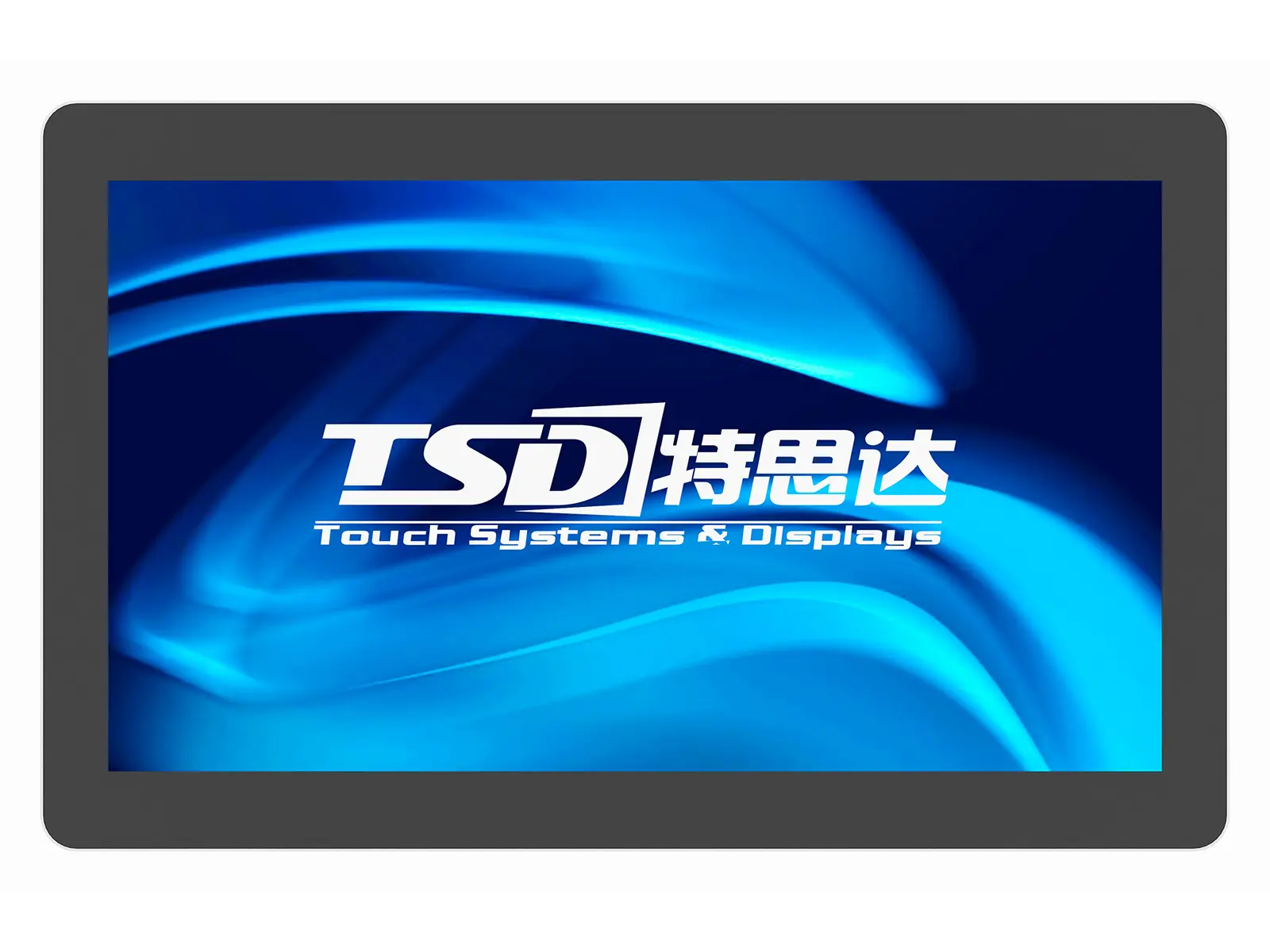
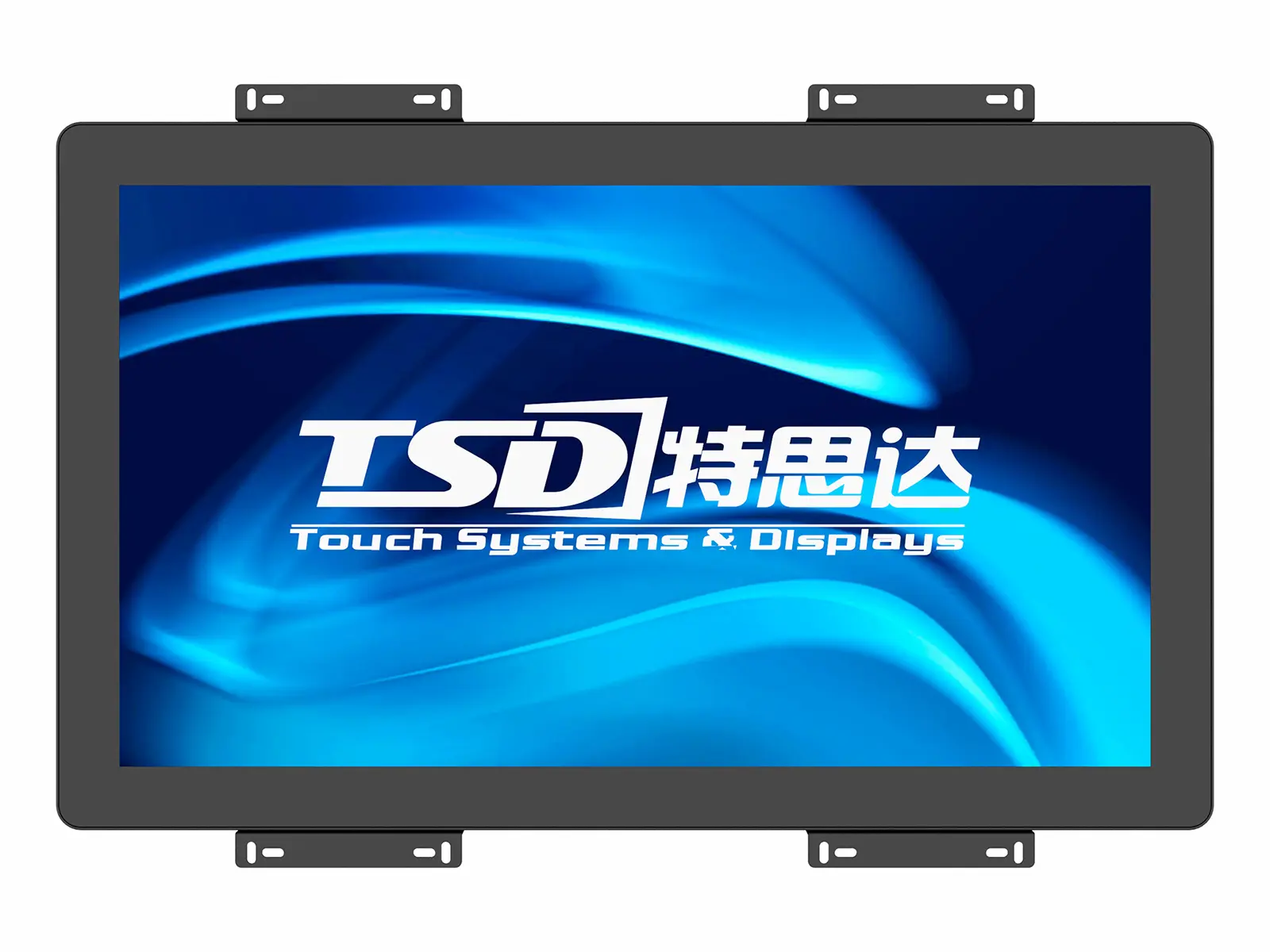
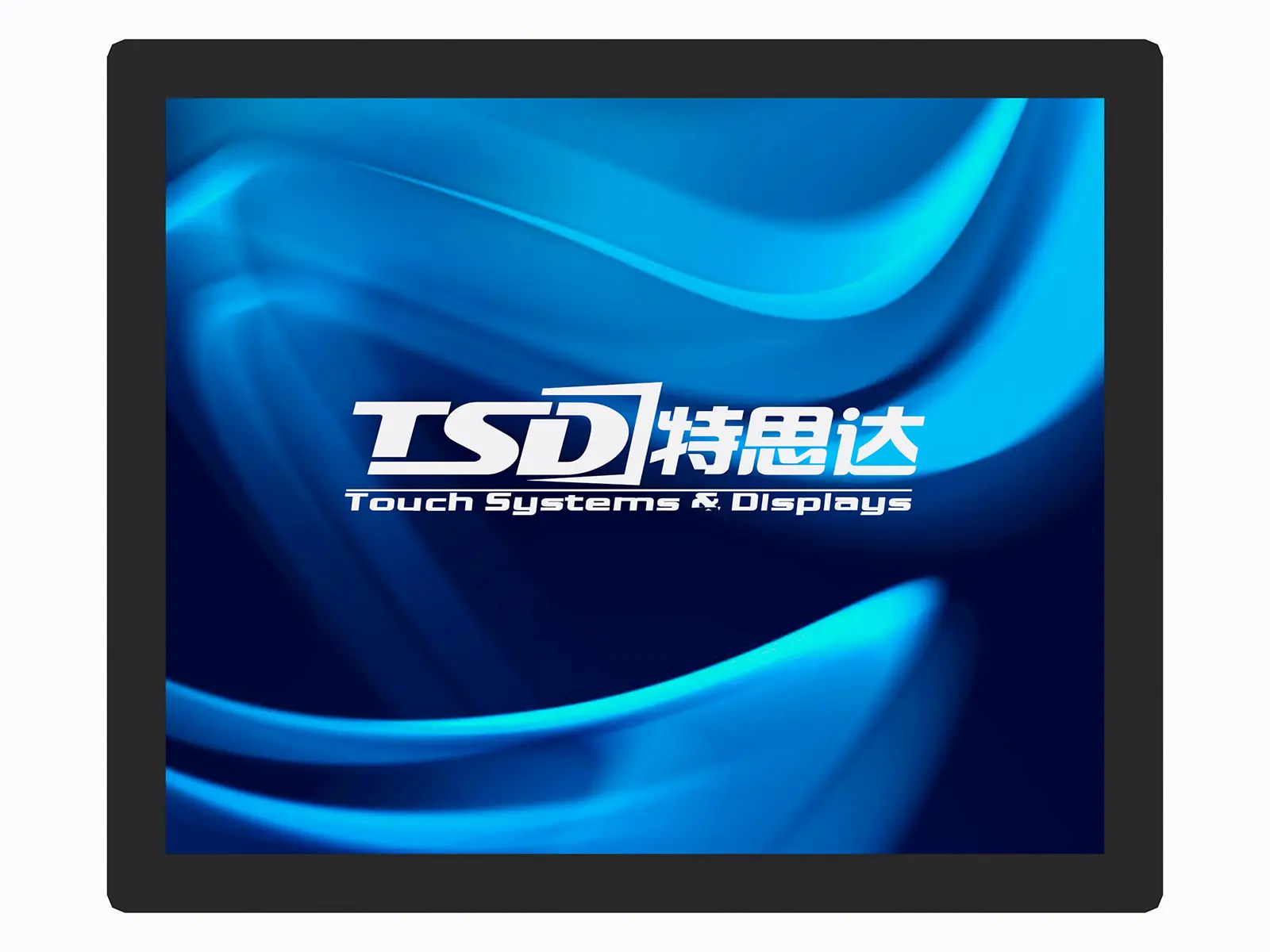
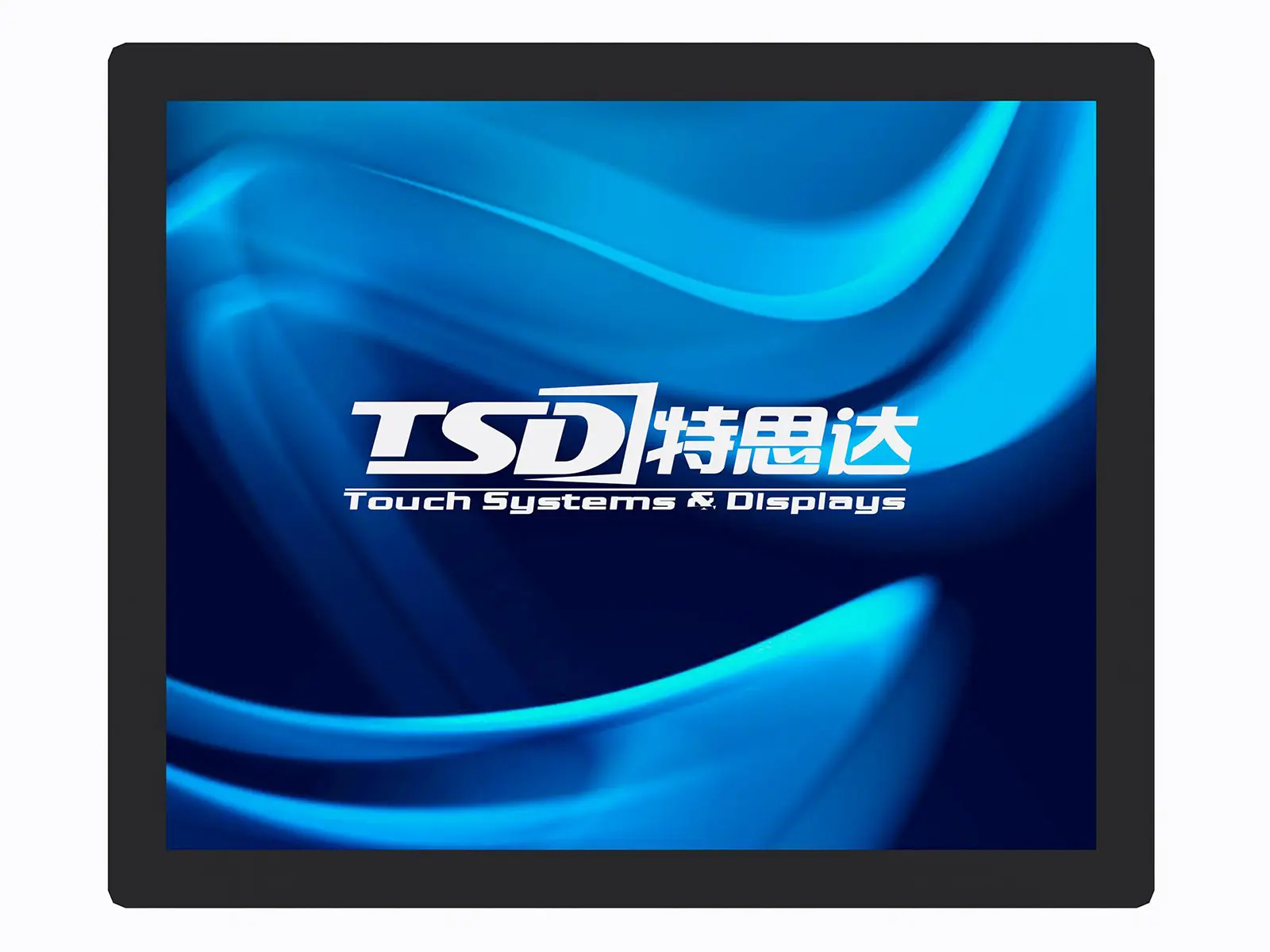
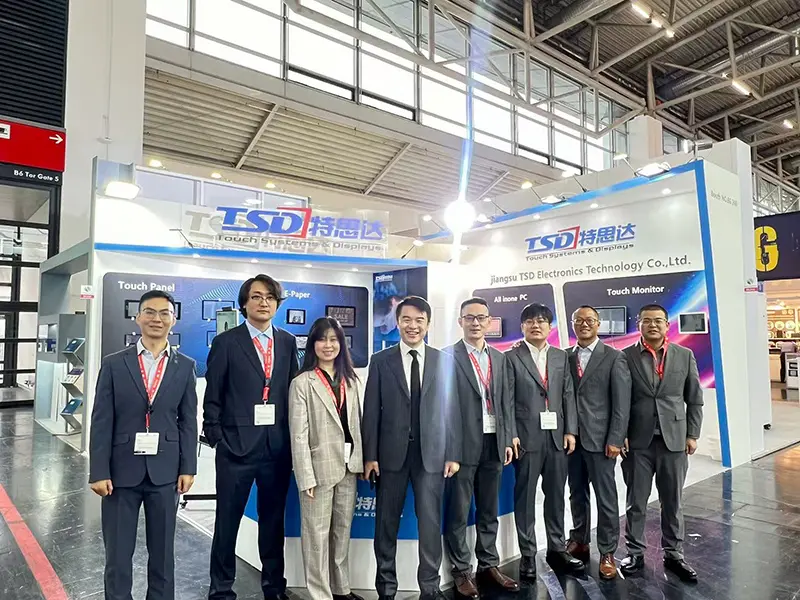
Enhance your PC experience with our premium touch screen monitors, crafted by a leading manufacturer specializing in OEM products. Designed in state-of-the-art facilities, our monitors offer exceptional durability and performance for any task. Ideal for a wide range of applications—from interactive kiosks to business presentations—our touch screen monitors ensure seamless interaction and effortless navigation. Trusted for their robust design and responsive touch technology, they are perfect for any B2B environment. Backed by Jiangsu TSD Electronic Technology Co., Ltd., you can expect outstanding support and service. Elevate your workspace with a high-quality touch screen monitor tailored to meet your business needs.
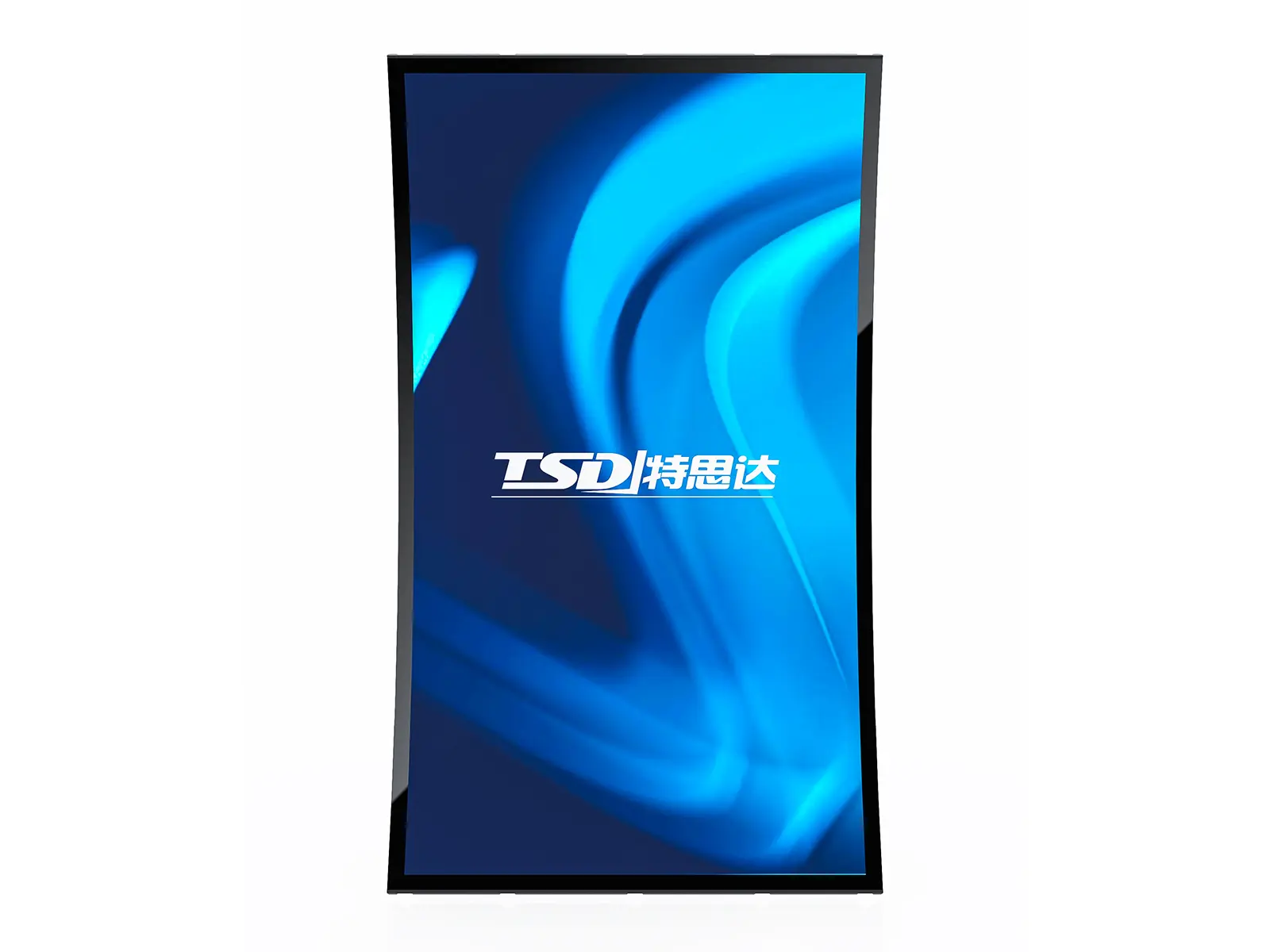
Tips & Tricks for Touch Screen Monitor For Pc Trusted by Pros Your End-to-End Solution
When it comes to selecting a touch screen monitor for PC use, professionals understand that the right choice can enhance productivity and user experience significantly. Here are some essential tips and tricks to help you make an informed decision. First, consider the display technology; capacitive touch screens offer superior sensitivity and responsiveness, making them ideal for a range of applications—from digital signage to interactive kiosks. Look for monitors with anti-glare coatings to reduce reflections in bright environments, ensuring clear visibility.
Next, evaluate the ergonomics of your selected monitor. Adjustable stands and VESA compatibility can provide flexibility in setting up your workstation to reduce fatigue during prolonged use. Additionally, ensure that the touch screen supports multi-touch capabilities, as this feature enhances usability, especially in collaborative environments. Don't overlook the importance of durability; choose a monitor designed to withstand heavy use, with scratch-resistant glass and robust housing.
Finally, consider the connectivity options available. A versatile touch screen monitor should offer various ports, including HDMI, USB, and DisplayPort, to ensure compatibility with different devices. By following these guidelines, you can select a trusted touch screen solution that meets your needs perfectly, setting the stage for a productive and efficient workflow.
Tips & Tricks for Touch Screen Monitor For PC Trusted by Pros Your End-to-End Solution
| Tip/Trick | Description | Benefit | Recommended For |
|---|---|---|---|
| Calibrate Your Touchscreen | Adjust the screen settings for accurate touch recognition. | Improves accuracy and responsiveness. | All users |
| Use Touch-Friendly Software | Select applications designed for touch input. | Enhances user experience and productivity. | Teachers and presenters |
| Keep Screen Clean | Regularly clean the screen with appropriate materials. | Prevents smudging and ensures clarity. | All users |
| Utilize Gestures | Learn and use multi-touch gestures for navigation. | Speeds up navigation and improves efficiency. | Power users and gamers |
| Adjust Brightness and Contrast | Set optimal screen brightness based on environment. | Reduces eye strain and improves visibility. | Professionals and remote workers |
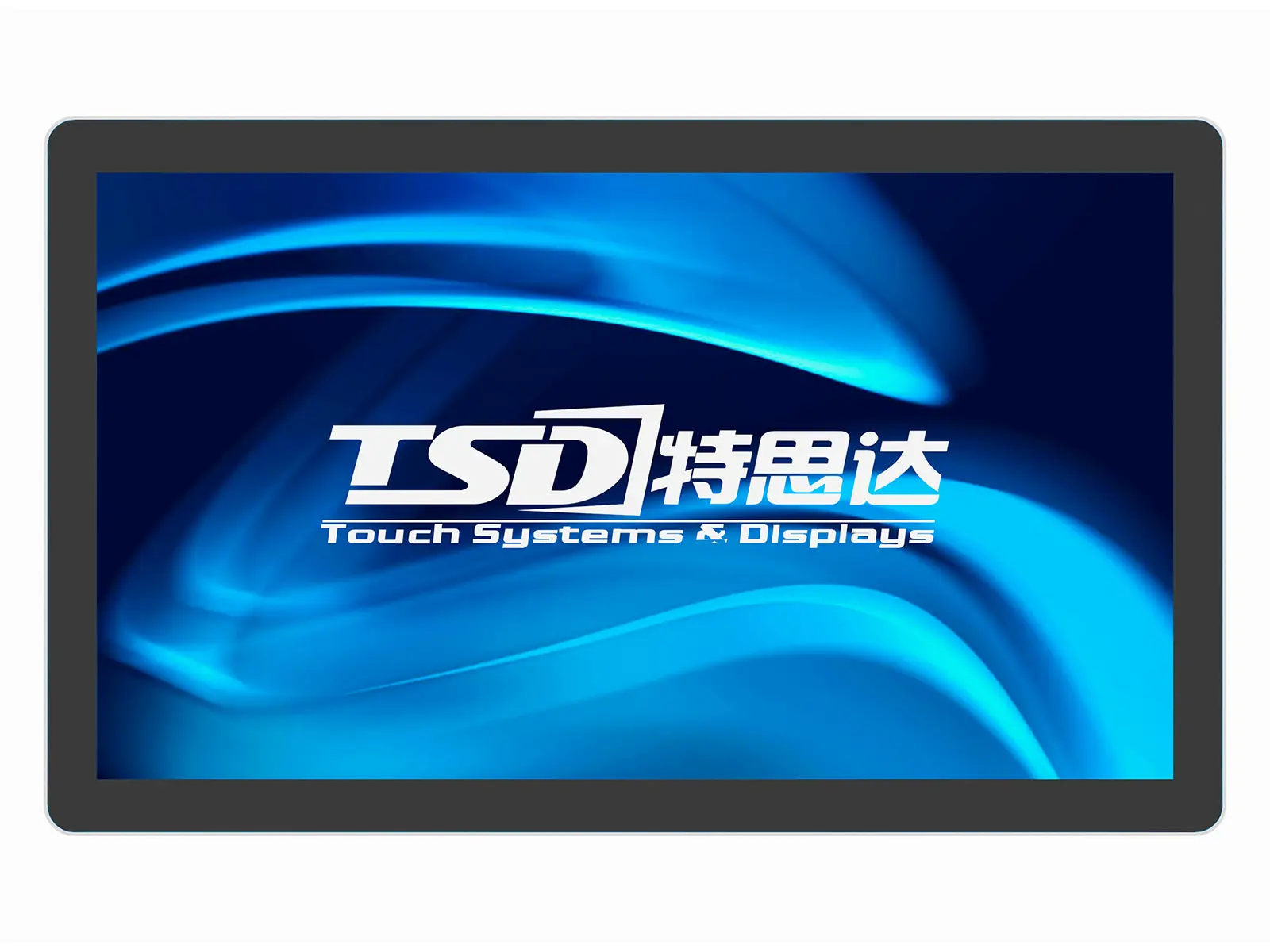
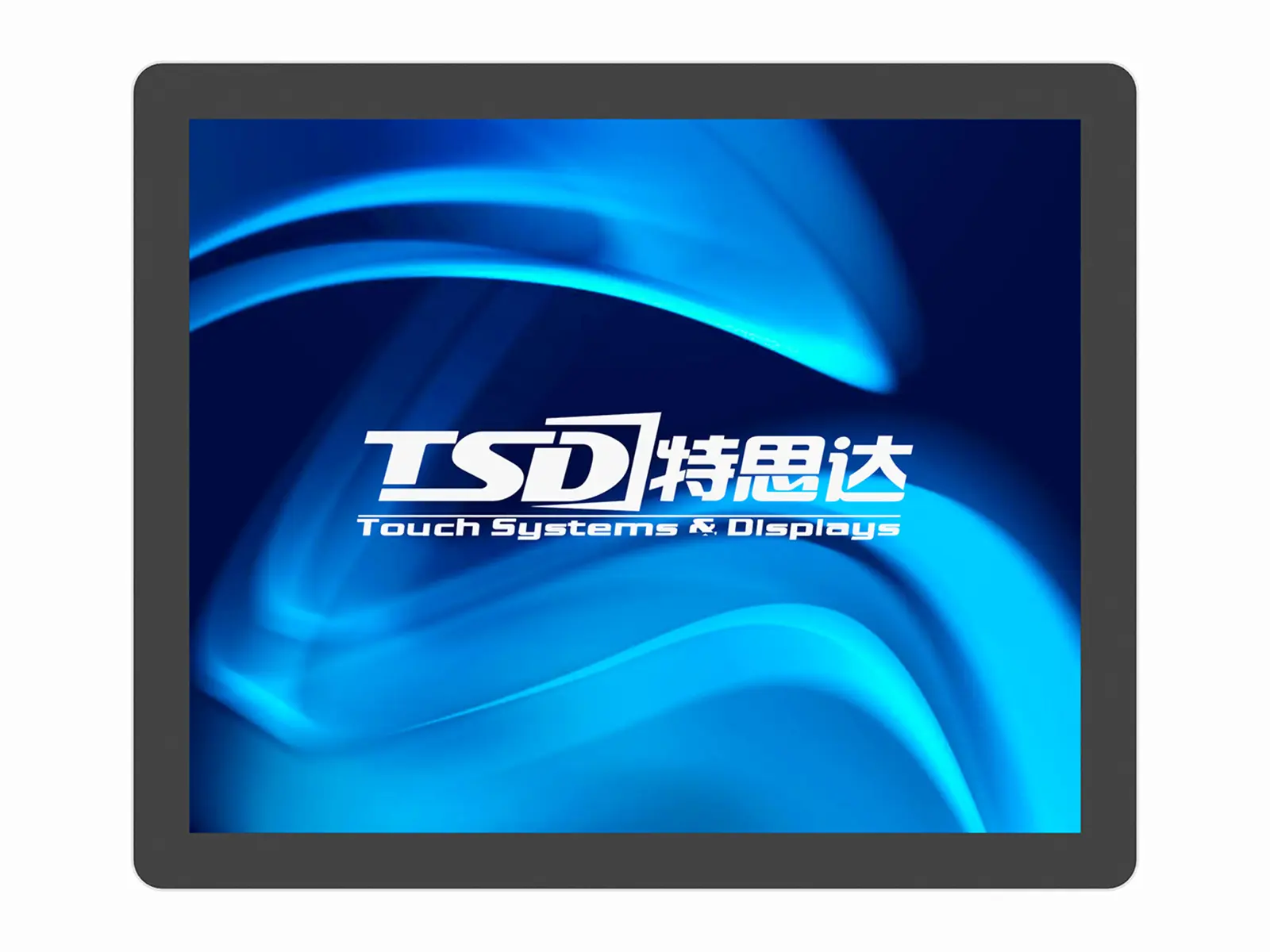
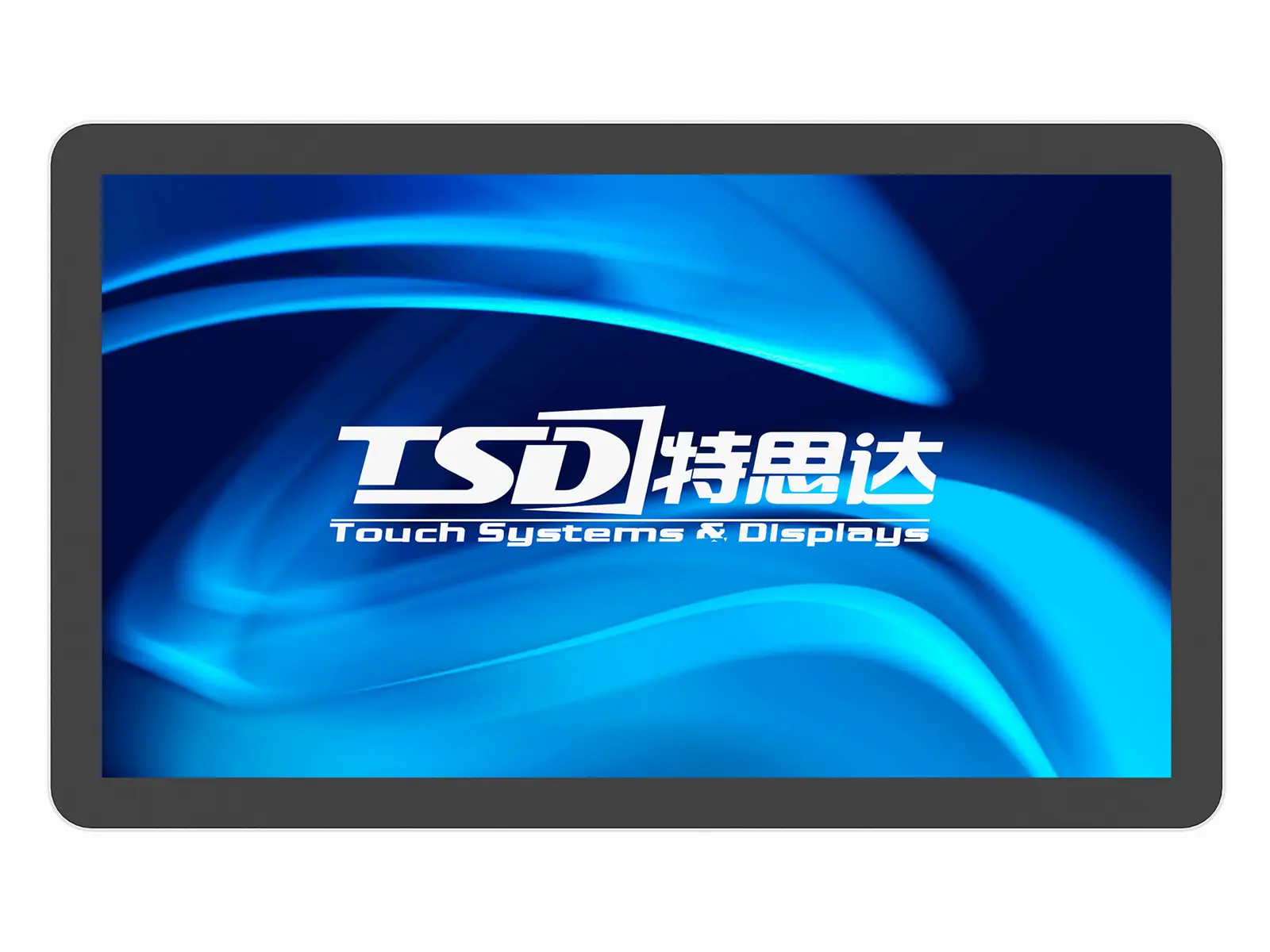
Exploring Touch Screen Monitor For Pc Outperforms the Competition Now Trending



L
Lucas Carter
The quality is outstanding! The professionalism exhibited by customer support made all the difference.
13
September
2025
S
Scarlett Davis
Incredible product quality! The professionalism of the after-sales service was really impressive.
28
August
2025
Z
Zachary Adams
Impressive craftsmanship! The after-sales service was prompt and the staff incredibly professional.
10
October
2025
C
Chloe Perez
This product has proven to be invaluable! The customer service staff were patient and very thorough in explaining everything.
15
September
2025
H
Harper Evans
This has been a great purchase! The after-sales support team was super responsive and very knowledgeable.
16
September
2025
H
Henrik Morris
Incredible quality! The after-service personnel were very professional and answered all my questions with ease.
19
September
2025