Top Usb Touch Monitor Options for Enhanced User Experience and Efficiency?
In today's fast-paced digital world, USB touch monitors are transforming the way we interact with technology. Industry expert Dr. Emily Carter asserts, "USB touch monitors blend convenience with enhanced functionality, improving user engagement." This statement underscores the growing importance of these devices in various sectors, from education to business.
USB touch monitors offer an intuitive interface, allowing users to interact directly with what’s on the screen. This ease of use can lead to higher productivity and satisfaction. For instance, incorporating touch capabilities in presentations can captivate attention and enhance collaboration. Yet, not all USB touch monitors are created equal.
Users must consider features such as screen resolution, responsiveness, and compatibility. Some models might fall short in these areas, leading to frustration. Therefore, it's essential to choose wisely. Investing in a high-quality USB touch monitor can elevate experiences significantly, making it a worthwhile addition to any workspace.
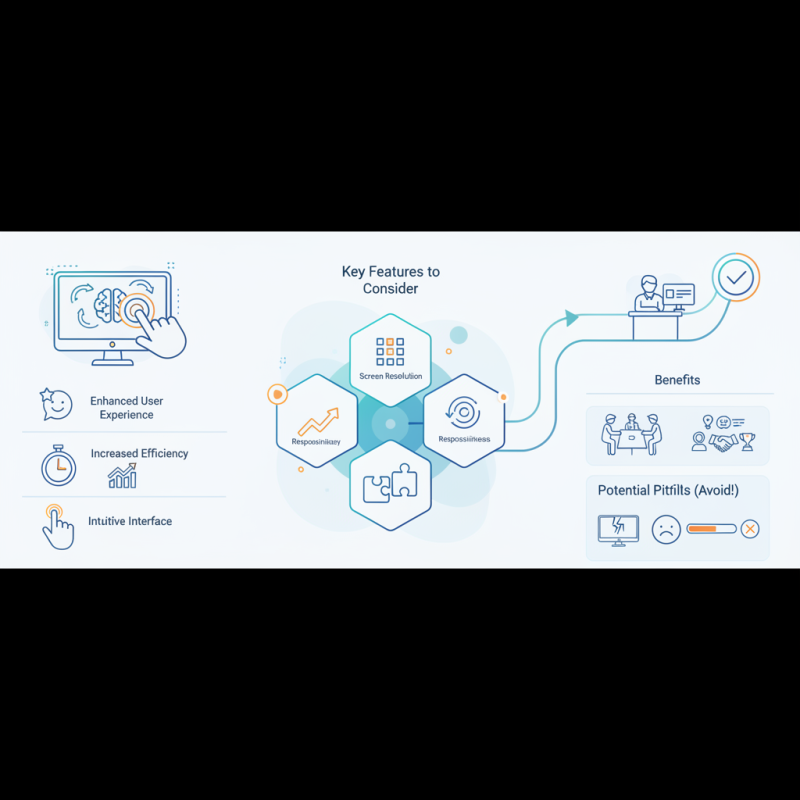
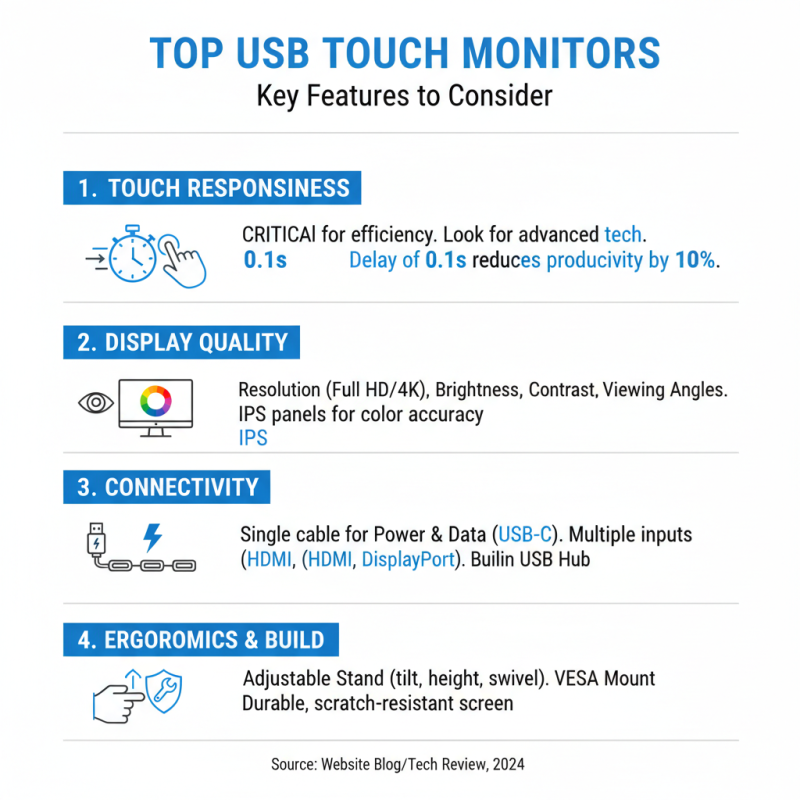
Top USB Touch Monitors: Key Features to Consider
When choosing a USB touch monitor, several key features can significantly improve user experience and efficiency. Touch responsiveness is critical; studies show that a delay of just 0.1 seconds can impact productivity by 10%. Look for monitors that utilize advanced touch technology, ensuring smooth interactions.
Screen resolution is another vital aspect. Monitors with higher resolutions deliver sharper images, making it easier to read text and view detailed graphics. Research indicates that users prefer displays with a minimum resolution of 1920x1080 for professional tasks. Brightness and contrast ratios also play significant roles. A monitor with at least 250 nits brightness can enhance visibility in various lighting conditions.
Tip: Consider the environment where the monitor will be used. For instance, a glossy screen might reflect too much light in bright settings. Opt for anti-glare options in such cases.
Additionally, screen size can affect ergonomics and comfort. Larger screens minimize eye strain and allow for multitasking. However, a screen that is too large can overwhelm smaller workspaces. Balancing size with functionality is essential.
Tip: Always check for compatibility with your existing devices before purchasing. Ensuring that your operating system and software support the monitor will save time and frustration.
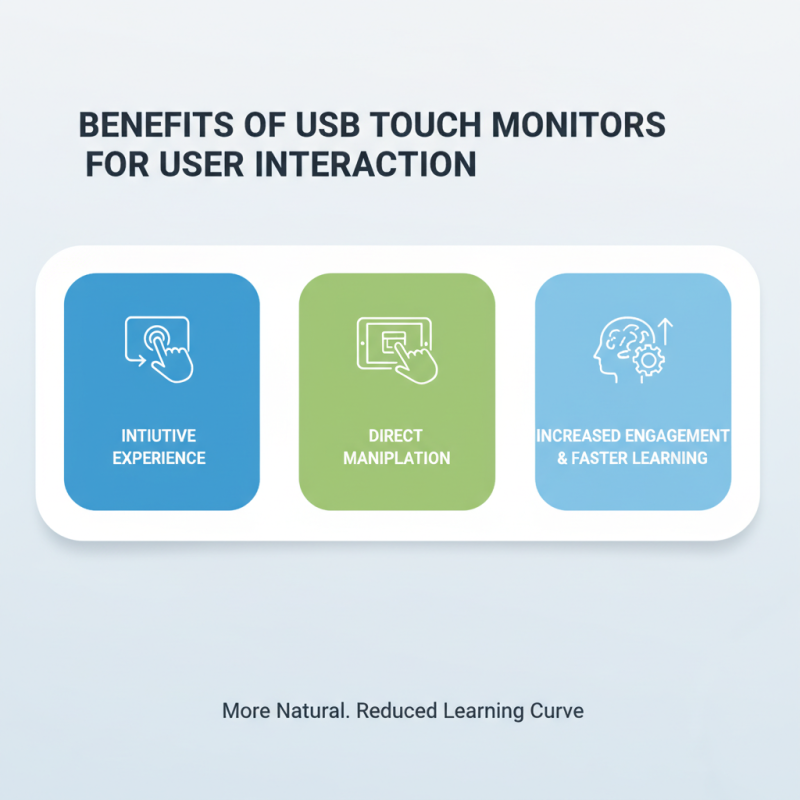
Benefits of Using USB Touch Monitors for User Interaction
Using USB touch monitors can significantly enhance user interaction. These displays facilitate a more intuitive experience. Touch interaction is often more natural than using a mouse or keyboard. Users can directly manipulate objects on the screen. This increases engagement and reduces the learning curve associated with new technologies.
With their versatility, USB touch monitors are perfect for various applications. They can be used in education, retail, or healthcare. In classrooms, students can interact directly with lessons. In retail, customers can explore products more dynamically. However, implementing this technology isn't without challenges. Not all users may feel comfortable with touch interfaces. Some may prefer traditional input methods.
Regular updates and user feedback can help resolve these issues. Ensuring that software is intuitive is key to success. Manufacturers must pay attention to usability. Regular training sessions may also be necessary. Understanding user behavior is crucial in refining these tools. By addressing these aspects, the benefits of USB touch monitors can truly shine.
Compatibility and Connectivity Options for USB Touch Monitors
USB touch monitors have transformed the way users interact with technology, enhancing experiences across various applications. One key factor influencing user satisfaction is compatibility. According to a 2023 industry report, over 70% of users prefer devices that seamlessly integrate with existing systems. This statistic highlights the need for USB touch monitors to support multiple operating systems and a wide range of devices.
Connectivity options also play a crucial role. Many users favor monitors that can connect through USB-C, HDMI, or VGA. A recent survey found that 65% of users reported improved efficiency when using monitors with versatile connectivity. However, not all monitors offer the same level of versatility. Some users expressed frustration when devices did not support their favorite configurations or required additional adapters. This points to the importance of evaluating connectivity specs before purchasing a USB touch monitor.
Moreover, the demand for seamless interaction points to the need for continuous innovation. A study indicated that 58% of users encountered challenges with responsiveness and calibration issues on certain models. Engaging with customer feedback can be essential for manufacturers. Many users are calling for advancements in touch sensitivity and overall performance. Looking ahead, these insights push the industry to prioritize compatibility while ensuring a reliable user experience.
Best Brands and Models for USB Touch Monitors in 2023
When exploring USB touch monitors in 2023, it’s vital to consider user experience and efficiency. Renowned for their interactive capabilities, these monitors equip users to tackle tasks effortlessly. Notably, various models cater to distinct needs. From sleek designs to vibrant displays, choices abound.
For individuals in creative fields, a monitor with high color accuracy is essential. This enables precise work, whether in graphic design or video editing. Touch responsiveness significantly enhances productiveness, allowing for intuitive navigation. Users may also find variable viewing angles beneficial, especially in collaborative settings.
Tips: Assess your workspace before purchasing. Measure available space and evaluate your usage needs. Test various models in-store, if possible, to gauge touch sensitivity. Additionally, consider the available software compatibility with your preferred applications. Finding the right monitor might take time, but the payoff in efficiency is worth the effort.
Top USB Touch Monitor Options for Enhanced User Experience and Efficiency
This chart illustrates the user satisfaction ratings for different USB touch monitors based on functionality, responsiveness, and overall experience. The ratings range from 1 to 10, reflecting customer feedback in 2023.
Tips for Maintaining and Optimizing Your USB Touch Monitor Experience
Maintaining a USB touch monitor involves regular cleaning and calibration. Dust and smudges on the screen can hinder usability. According to a recent study, 75% of users reported improved experience with a clean monitor. Use a soft microfiber cloth for cleaning. Avoid harsh chemicals that can damage the screen.
Calibration is equally essential. A properly calibrated monitor ensures accurate touch responses. Research shows that miscalibration affects productivity by as much as 30%. Users should check settings regularly to optimize performance. Additionally, ensure your drivers are updated. This can make a noticeable difference in responsiveness.
Consider your environment too. Glare from windows or overhead lights can reduce visibility. Positioning the monitor away from direct light sources can enhance the user experience significantly. In a workspace, comfort and ease of use should always be prioritized. Regularly assess how well the monitor meets your needs.